
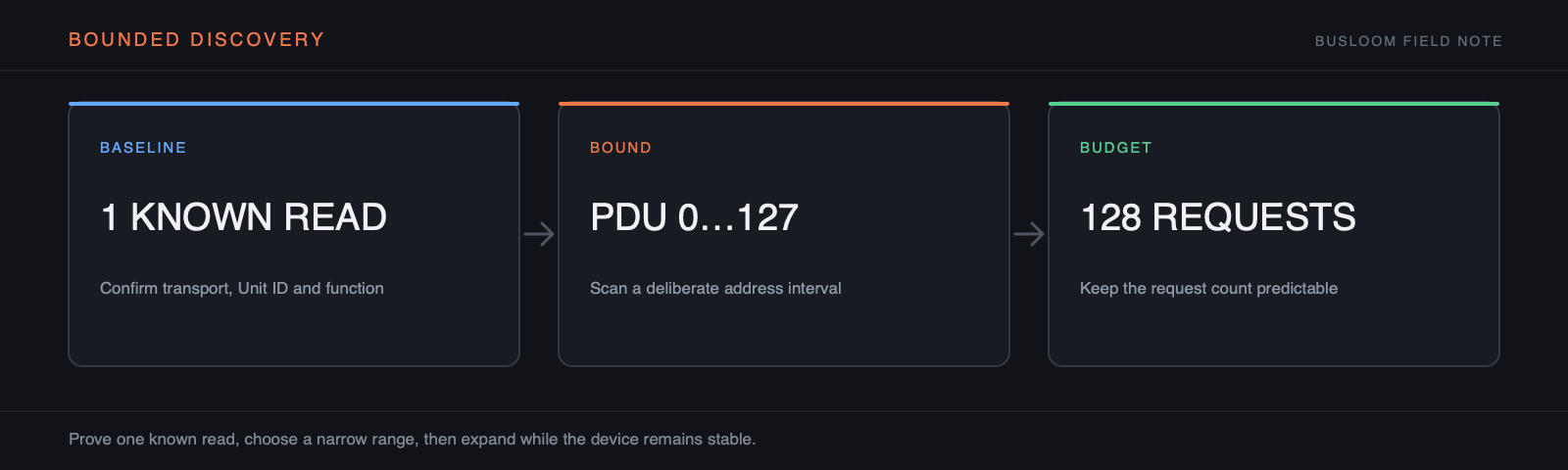
Prove one exchange first
Before scanning, open the transport and send one documented or conservative read. On RTU, establish the Unit ID separately. If the basic request times out, scanning more addresses only creates a larger pile of identical failures.
Bound the first pass
Choose the most likely address space and a range suggested by the manual, device class, or known configuration software. Use a quick block-based search before single-address exhaustive probing. Watch the displayed request count and estimated time.
Treat the result as a map of responses
Readable does not mean documented, stable, writable, or safe. Build a view from the discovered block, observe it under controlled changes, and name only values you can explain. Never infer that adjacent holding registers are safe to write because they were readable.
Keep a record of exception responses too. A boundary where FC03 changes from valid data to Exception 02 can be as useful as the readable block itself.
Estimate the traffic before pressing Scan
Write down the number of addresses, address spaces, Unit IDs, retries, and the timeout used for a silent request. An exhaustive single-address scan of 65,536 offsets can generate 65,536 requests for one function. At a 500 ms timeout, a purely sequential scan of an absent range would take more than nine hours before retries. Concurrency can reduce wall-clock time on TCP, but it increases load and is not appropriate for a serial line.
Prefer a coarse first pass over documented or likely ranges. Block reads reduce request count dramatically, but only when the device accepts the complete block. If a block returns Exception 02, subdivide it rather than concluding that every contained address is invalid.
Watch how the device behaves under sustained reads
Some devices serve ordinary polling correctly but degrade under rapid discovery. Watch latency, exception rate, disconnects, gateway queueing, and the response of existing control clients. Pause if response time climbs steadily or normal traffic begins to miss deadlines. Discovery should yield to the process using the device, not compete with it.
On a shared RTU bus, only one client should own the line. On TCP, multiple sockets may still feed one slow protocol task inside the device. A generous concurrency setting on the workstation does not mean the server can execute that many requests safely.
- Start with one Unit ID and one address space
- Use no retries during the exploratory pass
- Record exceptions as boundaries
- Stop on rising latency or transport resets
- Repeat confirmed blocks with normal polling settings
Turn scan hits into verified sources
A scan result is only a list of responses. Create a normal polling source from a small confirmed block and observe it over time. Check that the first and last addresses remain valid, that the interval does not overload the server, and that values behave consistently. Then add tags and decoding from an authoritative map or controlled observations.
Keep gaps and rejected boundaries visible. They prevent a future maintainer from merging two valid islands into one request the server rejects. When firmware versions differ, store the tested version with the map instead of assuming a single discovery result applies to every unit of the model.